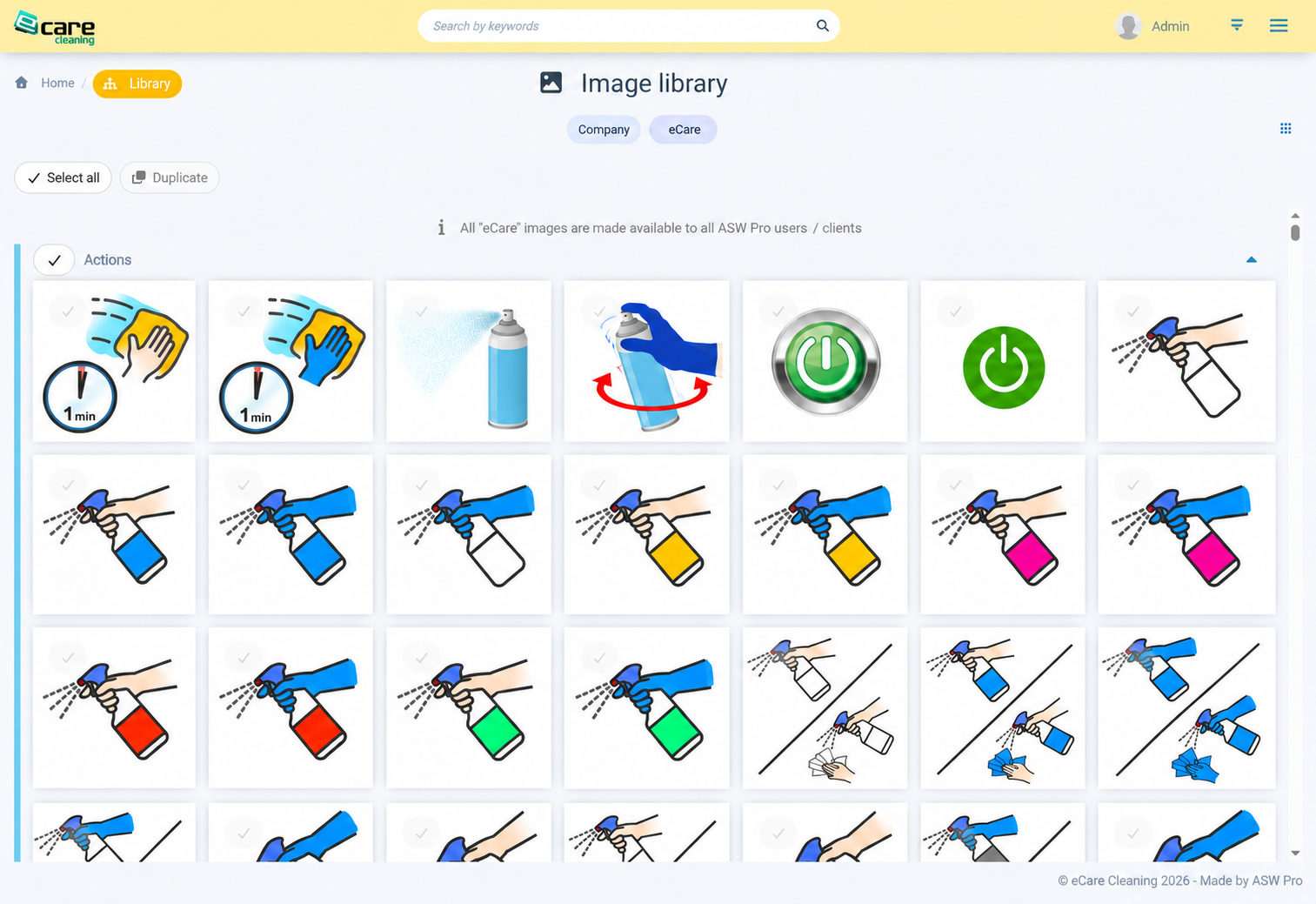
Search for and choose an image
Search for and choose an image
Context
Images and pictograms illustrate surfaces, actions, protective measures and useful instructions.
Starting point
Library → Images → eCare; or a task pictogram
Prerequisites
- Identify the action, surface or protection to illustrate.
Steps
1. Open the library
Open Library > Images, then the eCare tab. To illustrate a task while entering it, click its pictogram directly: an image selection window opens.
2. Find an illustration
Use keywords and categories: Actions, Surfaces, Safety pictograms, Durations and Frequencies, PPE. Select an image matching the instruction to illustrate.
3. Extend the resources
ASW PRO maintains the eCare library; you can request a new illustration. For your own images and their organisation, use the Company or Group library: see the next page.
Expected result
The selected image illustrates the instruction described in the text.
Remember
- Check that the image and text describe the same action. Product illustrations and references used in this guide are generic.
Illustrations