Revise and update a plan
Revise and update a plan
Context
Changes to the site, products or documents may require a new plan version.
Starting point
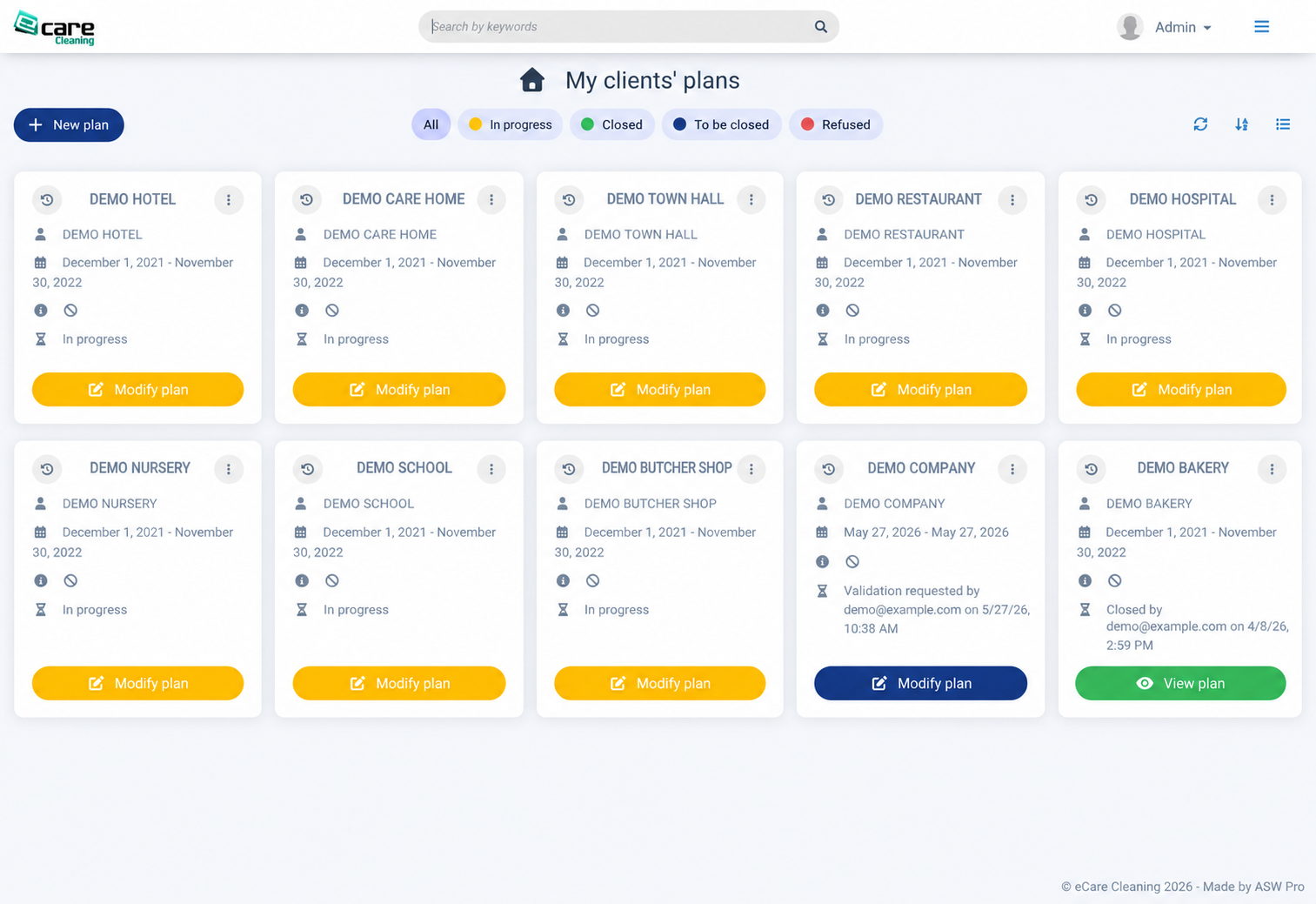
Home — plan actions
Prerequisites
- Distinguish an in-progress plan from a closed plan.
Steps
1. Resume a plan in progress
Find it on the home page and click Edit plan. Correct the content and save your changes.
2. Revise a closed plan
Duplicate the plan from its actions, clearly identify the new version and edit the copy. Review, approve and close this version.
3. Track product updates
With suitable data and connectors, the system may offer new technical/safety data sheets or substitute products. Check affected plans and delivery to the customer.
Expected result
The in-progress plan is edited, or a new version is created by duplicating the closed plan.
Remember
- A revision must reflect the customer's actual situation; do more than simply replace the product.
Illustrations