Prepare libraries for customer plans
Prepare libraries for customer plans
Context
Before the first customer plans, prepare standard procedures and industry templates in the libraries.
Starting point
Prerequisites
- Identify product-range items and customers’ industries.
Key points
Prepare procedures
Open Library > Procedures. Check the supplied procedures, assign your usual products and adapt parameters and tasks. Procedure creation is detailed on page 32.
Prepare industry templates
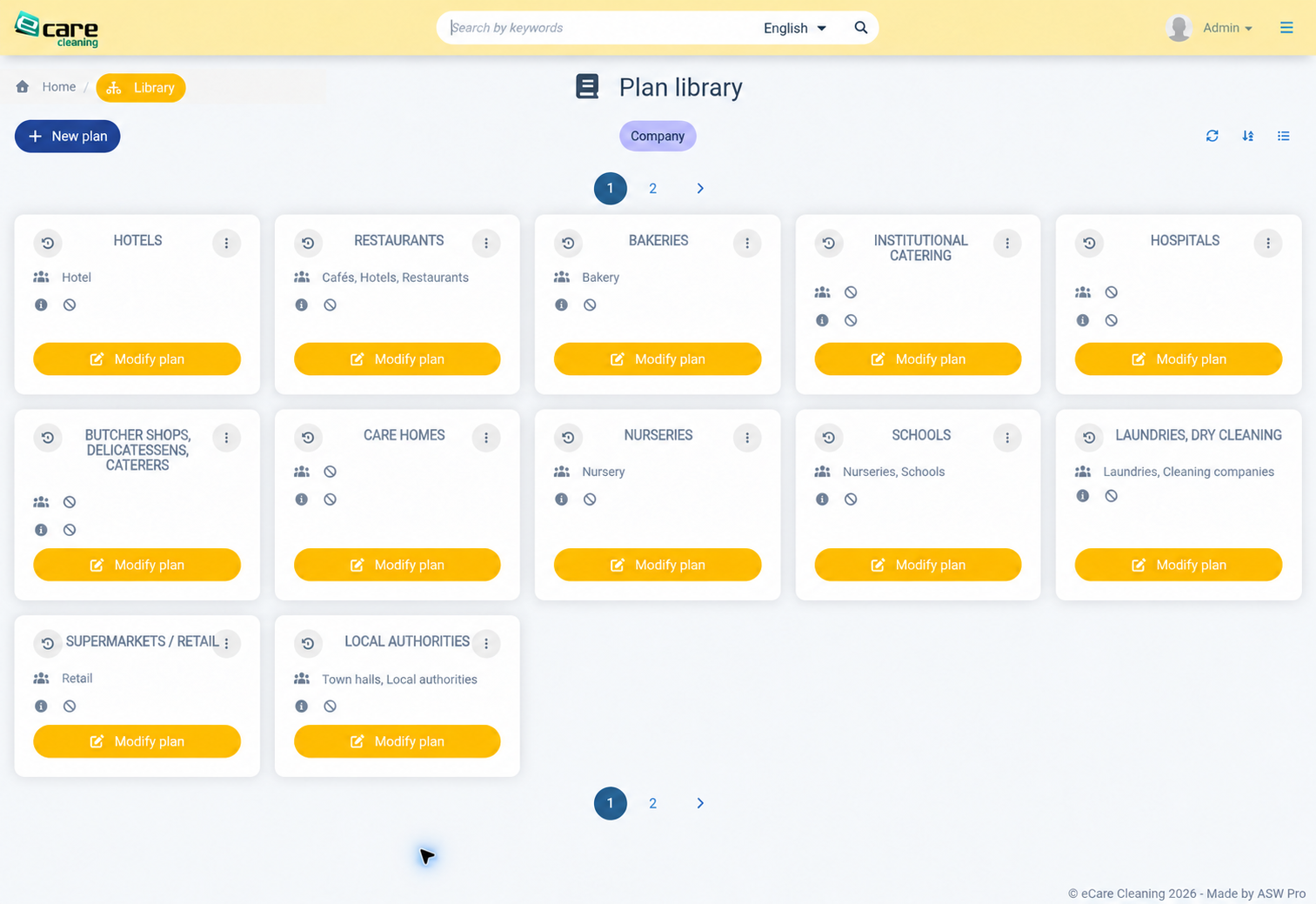
Open Library > Plans. Create a template per industry with useful zones, surfaces, procedures and attachments. Associate it with the relevant customer families; see the workflow on page 33.
Use this foundation at the customer’s site
When creating a customer plan, start from the suggested template or import it manually. Remove absent elements and adapt procedures to actual consumption. Update the libraries when the product range changes.
Expected result
Procedures and industry templates provide consistent foundations for customer plans.
Remember
- With the collaborative option, Group libraries complement Company libraries. Check which library you are working in before creating an element.
- First prepare the products in the required language, then assign them to the library procedures in that language. Next update the library plans using those procedures. After changing the procedures, open each affected template, wait for the # buttons to turn blue again, then use the # command to reset the referenced procedures. Check the result and save the template.
Illustrations