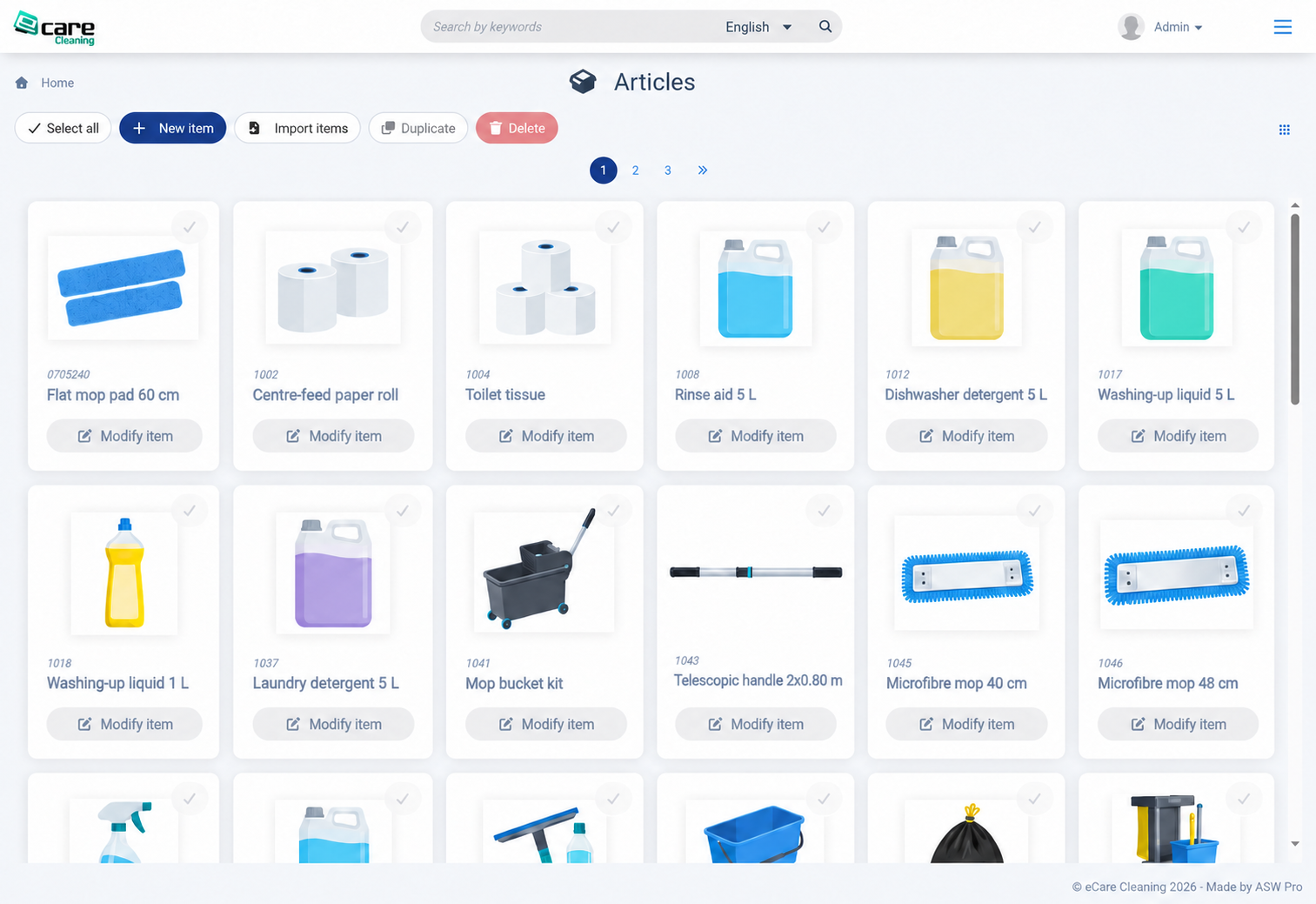
Import products and use ERP data
Import products and use ERP data
Context
The Excel import below applies to standalone mode. In connected mode, your ERP automatically supplies the product database.
Starting point
My products → Import products in standalone mode
Prerequisites
- The import described applies to standalone mode; identify the connector used for ERP data.
Steps
1. Prepare the Excel file
Prepare the Reference, Group Reference, Name, Dosage and Temperature columns. For another import format, contact support before starting.
2. Start and confirm the import
In standalone mode, open My products and click Import products. Select the Excel file, then confirm. New products are added and existing products are updated.
3. Use ERP data
With a connector installed, the ERP supplies customers, products and, depending on the configuration, images, technical/safety data sheets and useful commercial data. Check with your administrator which data is actually synchronised.
Expected result
Products are imported in standalone mode or supplied by the ERP, depending on the management mode.
Remember
- In ERP-connected mode, products cannot be entered in eCare Cleaning. Your ERP automatically supplies the product database.
Illustrations