Create and use customer families
Create and use customer families
Context
Customer families determine which industry templates are suggested.
Starting point
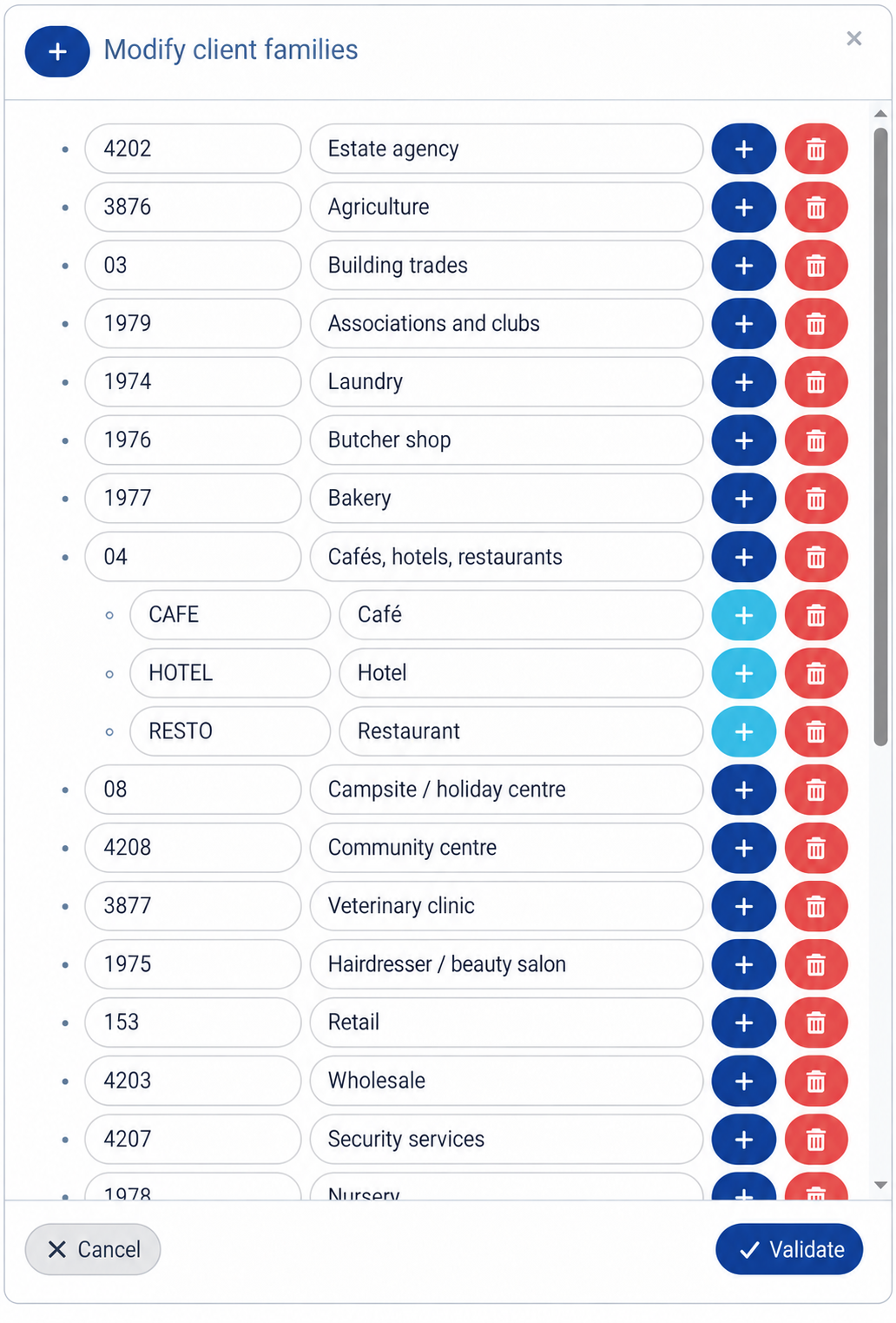
My customers → Edit customer families
Prerequisites
- Prepare the industry classification and the templates to associate.
Steps
1. Create categories
Click Edit customer families. In the window that opens, use + at the required level, enter the families and confirm. The hierarchy has at most three levels: family, subfamily and sub-subfamily.
Expected result
The families are created and customers can be assigned to the classification.
Remember
- Then assign each customer to a family in their record. Templates associated with that family can be suggested. Contact support for another import format.
Illustrations